

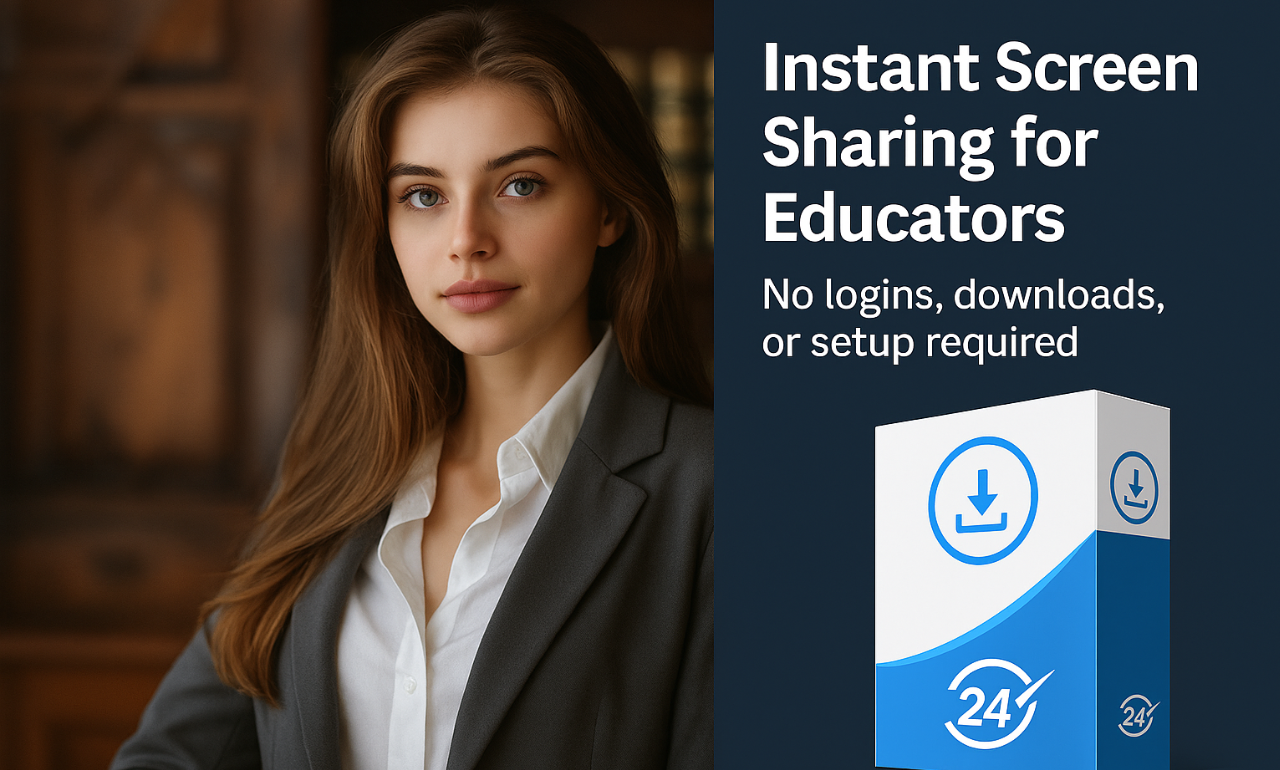
Revolutionize Classroom Screen Sharing with TeacherCast: The Zero-Fuss Solution for Educators
In today’s fast-paced educational environments, teachers and presenters face a common challenge: efficiently sharing content with students or audiences across diverse devices. Traditional methods like projectors or complex software often require time-consuming setups, logins, or installations, disrupting the flow of lessons. Enter TeacherCast, a game-changing screen-sharing solution designed to eliminate these hurdles. With its instant, browser-based access and universal compatibility, TeacherCast empowers educators to focus on what truly matters—teaching.
What Makes TeacherCast the Ultimate Classroom Companion?
TeacherCast isn’t just another screen-sharing tool—it’s a purpose-built software for educators who value simplicity, reliability, and inclusivity. Here’s why it stands out:
1. Instant Connection, Zero Hassle
Forget passwords, sign-ups, or software installations. With TeacherCast:
- Teachers install the lightweight Windows software on their device.
- Students or attendees simply open a browser (Chrome, Safari, Firefox, etc.) and navigate to a specific URL.
- No accounts, no downloads, no waiting. The connection is immediate, making it ideal for spontaneous discussions or time-sensitive presentations.
This seamless process ensures that even technophobic users or young students can join sessions effortlessly.
2. Universal Device Compatibility
Classrooms are filled with a mix of devices—Windows laptops, MacBooks, iPads, Android tablets, and Chromebooks. TeacherCast works flawlessly across all platforms, as long as a modern browser is available. Whether your students use smartphones, tablets, or desktops, everyone stays on the same page—literally.
3. Perfect for Hybrid Learning Environments
TeacherCast bridges the gap between physical and digital classrooms. While projectors display content to in-person students, remote attendees can follow along in real time via their devices. This dual approach ensures no student is left behind, whether they’re in the front row or joining from home.
4. Budget-Friendly and Scalable
Priced at a one-time fee of €20.00 (with VAT included), TeacherCast is a cost-effective alternative to subscription-based tools. Schools or businesses can install it on unlimited devices within their organization, making it scalable for large institutions or multi-teacher setups.
Key Features That Elevate TeacherCast
Let’s dive deeper into the functionalities that make TeacherCast indispensable:
Browser-Based Access for Attendees
Students need only two things: a device and an internet connection. By visiting a unique URL, they instantly view the teacher’s screen without configuring browser settings or adjusting firewalls. This simplicity is especially valuable in K-12 settings where IT support may be limited.
Crystal-Clear Real-Time Sharing
TeacherCast streams content with minimal latency, ensuring smooth demonstrations of videos, slideshows, or live software tutorials. Whether you’re teaching coding, art, or math, every detail remains sharp and responsive.
Enhanced Privacy and Security
While TeacherCast requires no logins, it prioritizes security:
- Sessions are accessible only via the unique URL shared by the teacher.
- No personal data is collected from students, complying with GDPR and child safety regulations.
60-Day Risk-Free Guarantee
Uncertain if TeacherCast fits your needs? The 60-day refund policy lets you test it in real classroom scenarios without financial pressure.
How TeacherCast Works: A Step-by-Step Guide
- Installation
- Download and install TeacherCast on the teacher’s Windows device (2 minutes).
- Launch and Share
- Open the software to generate a session-specific URL.
- Students Join
- Participants enter the URL in their browsers—no prior setup required.
- Teach Freely
- Switch between applications, videos, or documents; the class views everything in real time.
Who Benefits Most from TeacherCast?
- K-12 Teachers: Simplify lessons without waiting for IT support.
- Corporate Trainers: Streamline workshops for attendees using company-issued or personal devices.
- Universities: Complement lecture halls with hybrid learning options.
- Workshop Presenters: Engage audiences without worrying about device restrictions.
Technical Specifications and Support
- Compatibility: Windows (presenter); all modern browsers (attendees).
- Pricing: €20.00 one-time payment.
- Refund Policy: Full refund within 60 days if unsatisfied.
Ready to Transform Your Teaching Experience?
TeacherCast isn’t just a tool—it’s a lifeline for educators striving to make technology an ally, not a barrier. By removing friction from screen sharing, it lets teachers reclaim precious instructional time and foster inclusive, dynamic learning environments.
Click here to purchase TeacherCast today and experience hassle-free screen sharing with a 60-day safety net.